RTX 5070 Ti vs. Radeon RX 9070 XT: Choosing a High-End 1440p Graphics Card
How NVIDIA's RTX 5070 Ti and AMD's RX 9070 XT compare on memory, upscaling, ray tracing and features, and how to decide between them.
How NVIDIA's RTX 5070 Ti and AMD's RX 9070 XT compare on memory, upscaling, ray tracing and features, and how to decide between them.
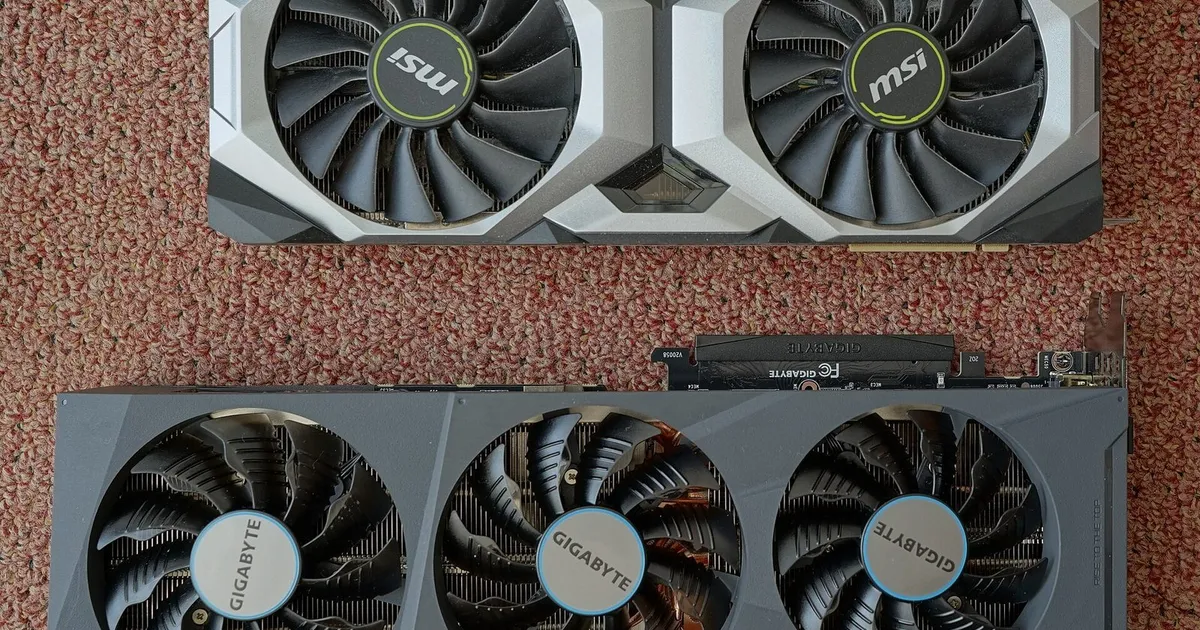
Photo by PantheraLeo1359531 / Wikimedia Commons / CC BY 4.0
Affiliate links.As an Amazon Associate I earn from qualifying purchases. Links below go to Amazon; prices and availability change, so check Amazon for current pricing.Affiliate disclosure
The NVIDIA GeForce RTX 5070 Ti and AMD Radeon RX 9070 XT are two of the most popular graphics cards for high-refresh 1440p gaming, and both are frequent Black Friday buys. They’re close in performance in many games, so the choice often comes down to features and price. This guide compares them by listed specs and features, not lab testing. We don’t list prices; links go to Amazon’s current listings.
Quick answer
| RTX 5070 Ti | RX 9070 XT | |
|---|---|---|
| VRAM | 16GB GDDR7 | 16GB GDDR6 |
| Upscaling | DLSS 4, with multi-frame generation | FSR 4 |
| Ray tracing | Generally stronger | Improved over previous AMD cards |
| Best for | Ray tracing, DLSS-supported games, streaming | Value in traditional rendering |
Both have 16GB of VRAM, enough for 1440p and many 4K games.
Performance
In many games without heavy ray tracing, the two cards are close. NVIDIA generally leads in games with heavy ray tracing and path tracing. Check recent independent benchmarks for the games you play, at your resolution.
Upscaling and frame generation
- DLSS 4 is supported in a large number of games and includes multi-frame generation on RTX 50 cards.
- FSR 4 is AMD’s machine-learning upscaler for RX 9000 cards, with growing game support.
If your favorite games support DLSS and not FSR 4, that can decide it.
Streaming and creative work
NVIDIA’s NVENC encoder is widely supported in OBS and streaming apps. AMD’s encoders have improved a lot. For creators using GPU-accelerated apps, check which brand your software favors.
Power and size
Check each model’s power draw, recommended PSU and size. Partner models vary in length and thickness. See budget power supplies.
How to choose on Black Friday
- Compare the actual prices of the specific models you can buy.
- Check benchmarks for your games.
- Ray tracing and DLSS matter to you? RTX 5070 Ti.
- Best value in traditional rendering? Often the RX 9070 XT, depending on price.
- Check your power supply and case.
More in how to spot a real GPU discount and GPU game bundles.
Monitor pairing
Both are a great match for a 1440p 165–240Hz monitor, including OLED. See our Black Friday monitor guide.
FAQ
Is the RTX 5070 Ti faster than the RX 9070 XT? In ray tracing, usually. In traditional rendering, they’re often close.
Is 16GB enough for 1440p? Yes, comfortably for current games.
Bottom line
Choose the RTX 5070 Ti for ray tracing and DLSS, the RX 9070 XT for value in traditional rendering, and let the price on the day decide when they’re close. More in our RTX 50-series deals checklist.
Our picks: Graphics cards
Shop on Amazon
Affiliate links.As an Amazon Associate I earn from qualifying purchases. Links below go to Amazon; prices and availability change, so check Amazon for current pricing.Affiliate disclosure
NVIDIA GeForce RTX 5070 Ti
16GB card that handles high-refresh 1440p and entry 4K.
Check price on AmazonNVIDIA GeForce RTX 5060 Ti 16GB
Budget-friendly 1080p/1440p pick; get the 16GB version.
Check price on Amazon


Illustrative photos: Photo by Timothy Borkowski / Wikimedia Commons / CC BY-SA 3.0; Photo by Advanced Micro Devices, Inc. (AMD) / Wikimedia Commons / Attribution