How to Read CPU Reviews: Why Reviewers Test Games at 1080p
Why CPU gaming benchmarks use low resolutions and fast GPUs, and how to translate those results to your own setup.
Main page for gaming pcs: Gaming PCs →
Why CPU gaming benchmarks use low resolutions and fast GPUs, and how to translate those results to your own setup.
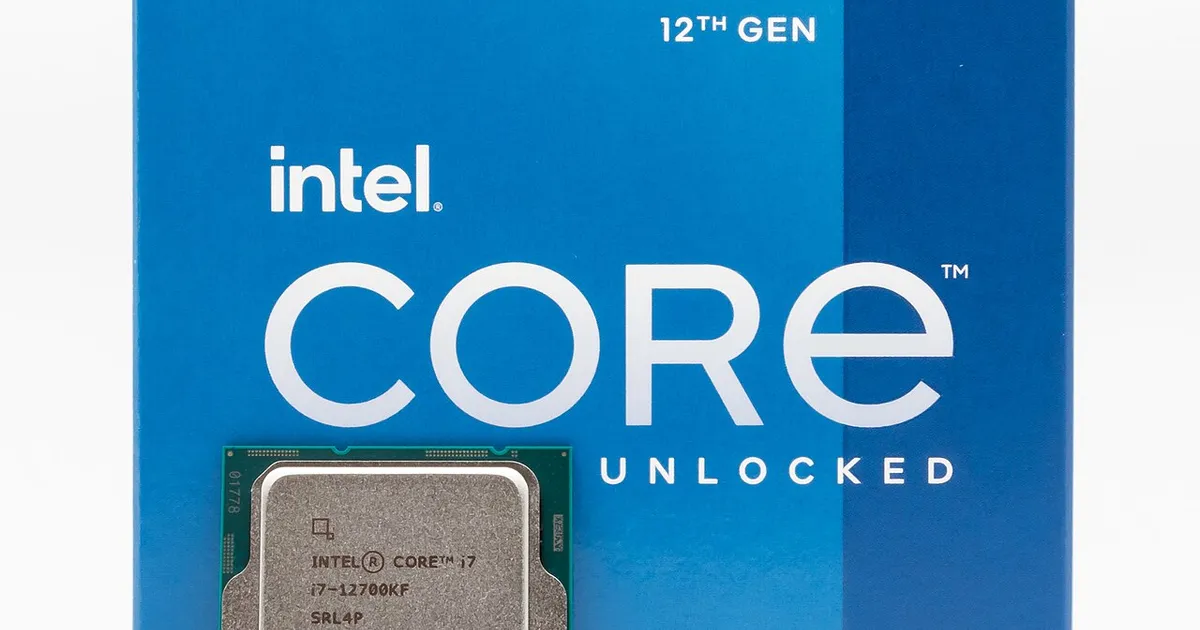
Photo by Jacek Halicki / Wikimedia Commons / CC BY-SA 4.0
Affiliate links.As an Amazon Associate I earn from qualifying purchases. Links below go to Amazon; prices and availability change, so check Amazon for current pricing.Affiliate disclosure
CPU reviews often test games at 1080p with the fastest graphics card available, which can seem odd if you play at 1440p or 4K. There’s a good reason. This guide explains how to read CPU reviews, based on general reviewing practice. We don’t list prices; links go to Amazon’s current listings.
Quick answer
| Review detail | Why it matters |
|---|---|
| 1080p with a top GPU | Removes the GPU limit to show CPU differences |
| Average FPS and 1% lows | 1% lows reveal stutter, where CPUs differ most |
| Many games tested | Some games favor cache, others clock speed |
| Memory and settings listed | Results depend on RAM speed and BIOS settings |
| Power and temperatures | Affect cooling and noise |
Example chips often compared: AMD Ryzen 7 9800X3D and Intel Core Ultra 7 265K.
Why 1080p?
At 4K, the GPU usually limits frame rates, so most CPUs look similar. At 1080p with a powerful GPU, the CPU becomes the limit, so the review shows how fast each CPU really is. That tells you how the CPU will hold up with future, faster GPUs, or in CPU-heavy games.
How to apply it to your setup
- High-refresh 1080p or 1440p: CPU differences matter a lot.
- 4K with a mid-range GPU: the GPU matters more; a cheaper CPU may be fine.
Look at 1% lows
CPUs often differ more in 1% lows than averages. See 1% lows and frame times.
Check the test setup
- RAM speed and timings.
- BIOS version and power settings.
- Cooler.
Different test setups explain why reviews disagree.
Productivity tests
If you stream or edit, look at multi-threaded results like rendering and encoding.
Platform cost
Reviews often focus on CPU price; factor in motherboard and RAM. See AMD vs Intel for gaming.
Read several reviews
Look for consensus across reviewers. See how to read a PC hardware review.
FAQ
Why do CPU reviews use 1080p? To remove the GPU limit and show real CPU differences.
Do CPU differences matter at 4K? Less, because the GPU is usually the limit.
Bottom line
1080p testing shows each CPU’s true gaming speed. Apply it to your resolution and GPU, and look at 1% lows. More in X3D vs non-X3D Ryzen.
Our picks: Graphics cards & Processors
Shop on Amazon
Affiliate links.As an Amazon Associate I earn from qualifying purchases. Links below go to Amazon; prices and availability change, so check Amazon for current pricing.Affiliate disclosure
NVIDIA GeForce RTX 5070 Ti
16GB card that handles high-refresh 1440p and entry 4K.
Check price on Amazon



Illustrative photos: Photo by Timothy Borkowski / Wikimedia Commons / CC BY-SA 3.0; Photo by Myself User:ZyMOS / Wikimedia Commons / CC BY-SA 4.0; Photo by Advanced Micro Devices, Inc. (AMD) / Wikimedia Commons / Attribution; Photo by Jacek Halicki / Wikimedia Commons / CC BY-SA 4.0; Photo by Ondřej Martin Mach / Wikimedia Commons / CC BY-SA 3.0