RAM and Storage Bottlenecks: Fixing Stutter That Isn't the CPU or GPU
How not enough memory or slow storage causes stutters and hitches, how to spot them, and the upgrades that fix them.
Main page for cpus: CPUs →
How not enough memory or slow storage causes stutters and hitches, how to spot them, and the upgrades that fix them.
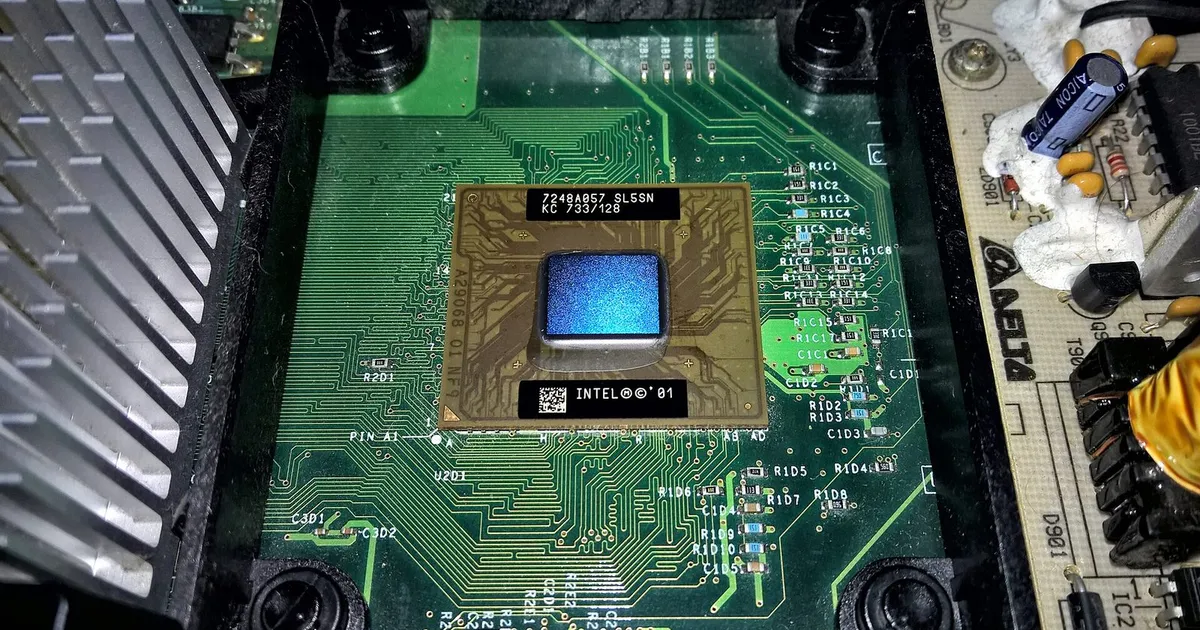
Photo by Diego Torres Silvestre from Sao Paulo, Brazil / Wikimedia Commons / CC BY 2.0
Affiliate links.As an Amazon Associate I earn from qualifying purchases. Links below go to Amazon; prices and availability change, so check Amazon for current pricing.Affiliate disclosure
Sometimes a game stutters even though neither the CPU nor the GPU is maxed out. RAM and storage are often the cause. This guide explains how to spot and fix these bottlenecks, based on general practice rather than lab testing. Links go to Amazon’s current listings.
Quick answer
| Symptom | Likely cause | Fix |
|---|---|---|
| Stutter with browser/Discord open, RAM use near total | Not enough RAM | Upgrade to 32GB |
| Low FPS on a capable CPU | RAM in single channel or slow | Two sticks, enable XMP/EXPO |
| Stutter when entering new areas | Game on a hard drive | Move to an SSD |
| Long loading screens | Hard drive or full SSD | NVMe SSD, free up space |
| Texture pop-in, stutter at high settings | Out of VRAM | Lower textures or a GPU with more VRAM |
RAM capacity
16GB runs most games, but modern titles plus background apps can exceed it, causing stutter as Windows swaps data to storage. 32GB gives comfortable headroom. A kit like the Corsair Vengeance DDR5 32GB 6000 CL30 suits AM5 builds.
RAM configuration
- Dual channel: two sticks perform much better than one.
- Rated speed: enable XMP (Intel) or EXPO (AMD) in the BIOS.
- Check in Task Manager: Performance > Memory shows speed and slots used.
Storage
Modern games are designed for SSDs. On a hard drive, they can stutter as assets stream in. Moving games to an NVMe SSD like the WD_BLACK SN850X 2TB helps. See NVMe vs SATA SSDs.
- Keep some free space on the SSD; very full drives slow down.
VRAM
Running out of video memory causes stutter and texture issues. Lower texture quality, or consider a GPU with more VRAM. See RTX 5060 Ti 8GB vs 16GB.
Other causes of stutter
- Shader compilation on first launch or new areas.
- Background updates and downloads.
- Overlays and recording software.
How to check
- Task Manager: RAM use, disk activity.
- Game overlay: VRAM use, frame times. See 1% lows and frame times.
FAQ
Will more RAM increase FPS? Only if you were running out. It mainly reduces stutter.
Does an SSD increase FPS? Not average FPS, but it reduces loading and asset-streaming stutter.
Bottom line
For stutter that isn’t the CPU or GPU, check RAM capacity and configuration, storage type and VRAM. More in signs your PC is bottlenecked.
Our picks: Processors & Graphics cards
Shop on Amazon
Affiliate links.As an Amazon Associate I earn from qualifying purchases. Links below go to Amazon; prices and availability change, so check Amazon for current pricing.Affiliate disclosure
NVIDIA GeForce RTX 5070 Ti
16GB card that handles high-refresh 1440p and entry 4K.
Check price on Amazon


Illustrative photos: Photo by Myself User:ZyMOS / Wikimedia Commons / CC BY-SA 4.0; Photo by Timothy Borkowski / Wikimedia Commons / CC BY-SA 3.0; Photo by Jacek Halicki / Wikimedia Commons / CC BY-SA 4.0; Photo by Advanced Micro Devices, Inc. (AMD) / Wikimedia Commons / Attribution; Photo by Ondřej Martin Mach / Wikimedia Commons / CC BY-SA 3.0