Fixing a GPU Bottleneck: Settings First, Then Upgrades
How to tell when the graphics card is limiting your frame rate, the settings that give the most FPS back, and when a GPU upgrade is the answer.
Main page for cpus: CPUs →
How to tell when the graphics card is limiting your frame rate, the settings that give the most FPS back, and when a GPU upgrade is the answer.
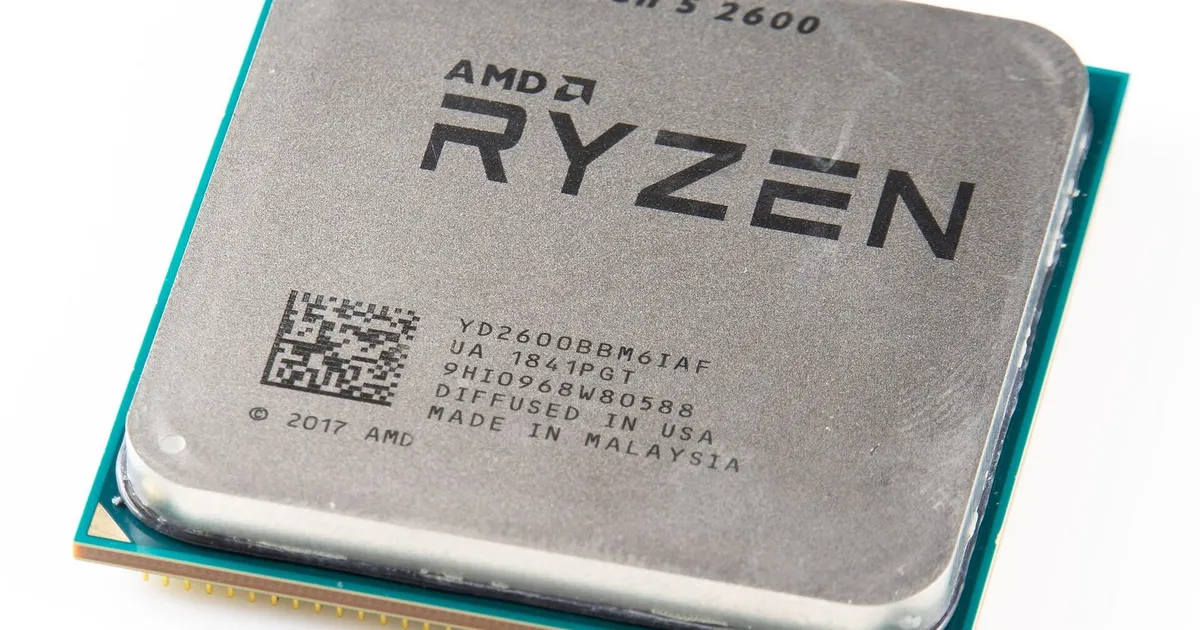
Photo: Fritzchens Fritz / Wikimedia Commons / CC0
Affiliate links.As an Amazon Associate I earn from qualifying purchases. Links below go to Amazon; prices and availability change, so check Amazon for current pricing.Affiliate disclosure
If your graphics card runs at 95–100% usage and FPS is still below what you want, the GPU is the bottleneck. That’s normal in most games, but you can raise frame rates a lot with settings before spending money. This guide explains how, based on general practice rather than lab testing. Links go to Amazon’s current listings.
Quick answer
| Step | Expected gain |
|---|---|
| Turn on upscaling (DLSS, FSR, XeSS) | Often large |
| Lower the most demanding settings | Medium to large |
| Lower or adjust ray tracing | Large in ray-traced games |
| Frame generation (single-player) | Smoother motion |
| Upgrade the GPU | Largest, costs money |
Confirm it’s the GPU
In an overlay, GPU usage near 95–100% means the GPU is the limit. See signs your PC is bottlenecked.
Settings first
- Upscaling: turn on DLSS, FSR or XeSS in Quality or Balanced mode. See upscaling explained.
- Ray tracing: the most demanding setting; lower it or turn it off.
- Shadows, volumetric fog and reflections: often costly for small visual gains.
- Texture quality: keep high if you have enough VRAM; it costs little performance.
- Resolution: dropping from 4K to 1440p is a big gain.
- Frame generation: for smoother single-player games. See frame generation explained.
Keep the GPU healthy
- Update drivers.
- Check temperatures: dust can cause throttling. See PC dust filters and cleaning.
- Check the power supply is adequate.
When to upgrade
If settings changes aren’t enough, a GPU upgrade is the biggest FPS gain. Examples for 1440p: RTX 5070 or RX 9070. Check:
- Power supply wattage and connectors. See how much PSU you need.
- Case clearance.
- CPU balance: a much faster GPU with an old CPU may hit a CPU limit instead.
See GPU vs CPU upgrade priority and our RTX 50-series deals checklist.
FAQ
Is a GPU bottleneck bad? No. It usually means your CPU isn’t holding you back.
Which setting gives the most FPS? Usually upscaling and ray tracing.
Bottom line
Use upscaling and smart settings first; upgrade the GPU when you’ve run out of settings to tweak. More in what actually determines FPS.
Our picks: Processors & Graphics cards
Shop on Amazon
Affiliate links.As an Amazon Associate I earn from qualifying purchases. Links below go to Amazon; prices and availability change, so check Amazon for current pricing.Affiliate disclosure
NVIDIA GeForce RTX 5070 Ti
16GB card that handles high-refresh 1440p and entry 4K.
Check price on Amazon


Illustrative photos: Photo by Myself User:ZyMOS / Wikimedia Commons / CC BY-SA 4.0; Photo by Timothy Borkowski / Wikimedia Commons / CC BY-SA 3.0; Photo by Jacek Halicki / Wikimedia Commons / CC BY-SA 4.0; Photo by Advanced Micro Devices, Inc. (AMD) / Wikimedia Commons / Attribution; Photo by Ondřej Martin Mach / Wikimedia Commons / CC BY-SA 3.0