1440p at 180Hz vs. 240Hz: Is the Higher Refresh Rate Worth It?
How much difference going from 180Hz to 240Hz makes, what GPU you need to benefit, and who should pay for the faster monitor.
Main page for monitors: Gaming Monitors →
How much difference going from 180Hz to 240Hz makes, what GPU you need to benefit, and who should pay for the faster monitor.
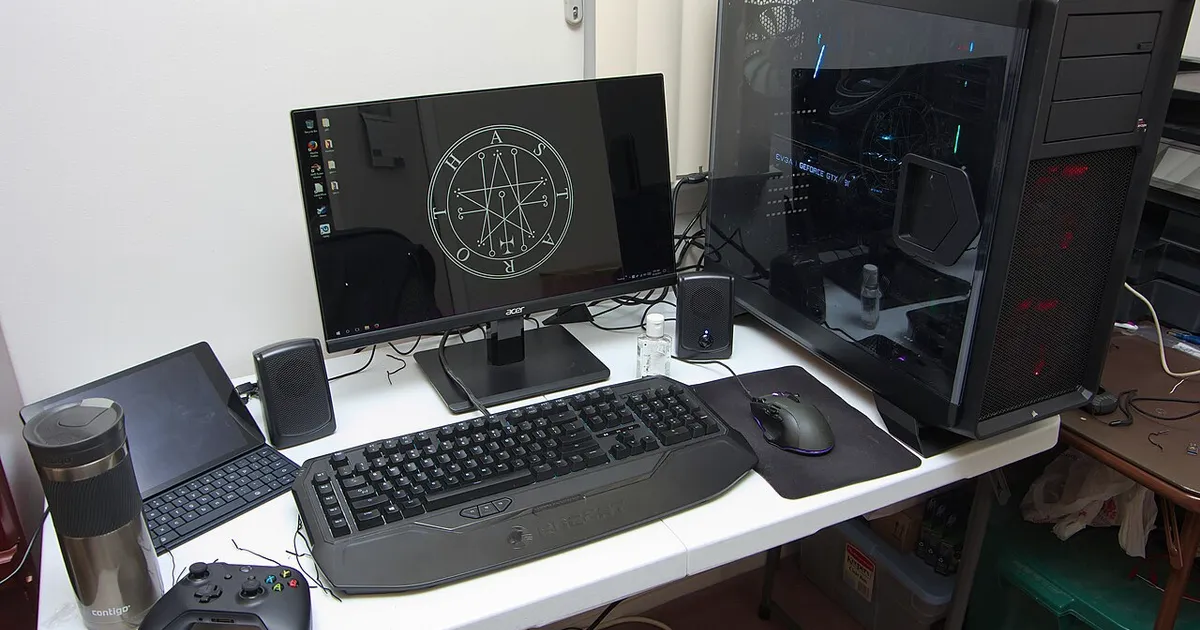
Photo by Brian Wong / Wikimedia Commons / CC BY-SA 2.0
Affiliate links.As an Amazon Associate I earn from qualifying purchases. Links below go to Amazon; prices and availability change, so check Amazon for current pricing.Affiliate disclosure
1440p monitors now commonly come in 180Hz and 240Hz versions, and OLEDs go higher still. Is the jump to 240Hz worth paying for? It depends on your games and your PC. This guide compares them by listed specs and general behavior, not lab testing. We don’t list prices; links go to Amazon’s current listings.
Quick answer
| 180Hz | 240Hz | |
|---|---|---|
| Frame time at max refresh | About 5.6ms | About 4.2ms |
| Benefit | Big step up from 60–144Hz | Smaller, noticeable step for fast games |
| FPS needed to use it | Around 180 | Around 240 |
| Best for | Most players | Competitive players with powerful PCs |
Examples: LG UltraGear 27GS75Q (180Hz IPS), Gigabyte M27Q X (240Hz IPS), ASUS ROG Strix XG27AQDMG (240Hz OLED). Check each listing’s exact specs.
Diminishing returns
Going from 60Hz to 144Hz is a huge improvement. 144 to 180Hz is smaller, and 180 to 240Hz smaller still. Competitive players notice it most in fast shooters.
Can your PC reach 240 FPS?
At 1440p, 240 FPS is realistic in esports titles like Valorant and CS2 on a capable CPU and GPU, but not in most AAA games. If you mostly play single-player games, 180Hz is enough.
Panel type matters too
- Fast IPS at 180Hz or 240Hz: good all-rounders.
- OLED at 240Hz: near-instant response makes motion much clearer, often more noticeable than the refresh rate difference.
See WOLED vs QD-OLED.
Which to choose
- Mostly single-player games: 180Hz.
- Competitive shooters with a strong PC: 240Hz.
- Price gap small: 240Hz gives room to grow.
- Best motion clarity: a 240Hz OLED.
Setup tips
- Use DisplayPort for full refresh rate.
- Set the refresh rate in Windows.
- Enable adaptive sync.
FAQ
Is 240Hz worth it over 180Hz? For competitive players with high frame rates, yes. For others, 180Hz is plenty.
Do I need 240 FPS for a 240Hz monitor? To get the full benefit, yes, but it still feels smoother below that with adaptive sync.
Bottom line
180Hz suits most players; 240Hz rewards competitive players with powerful PCs. More in our Black Friday monitor guide.
Our picks: Gaming monitors & OLED monitors
Shop on Amazon
Affiliate links.As an Amazon Associate I earn from qualifying purchases. Links below go to Amazon; prices and availability change, so check Amazon for current pricing.Affiliate disclosure
ASUS TUF Gaming VG27AQ
Popular 1440p high-refresh monitor that rarely disappoints.
Check price on Amazon


Illustrative photos: Photo by Lennybird / Wikimedia Commons / CC BY-SA 3.0; Photo by Badpeon / Wikimedia Commons / Public domain; Photo by PantheraLeo1359531 / Wikimedia Commons / CC BY 4.0; Photo by Terabass / Wikimedia Commons / CC BY-SA 3.0