Ultrawide Game Support: Black Bars, Stretched HUDs and How to Fix Them
Why some games don't support 21:9 or 32:9, what tools and settings can help, and ultrawide monitors that suit mixed game libraries.
Main page for monitors: Gaming Monitors →
Why some games don't support 21:9 or 32:9, what tools and settings can help, and ultrawide monitors that suit mixed game libraries.
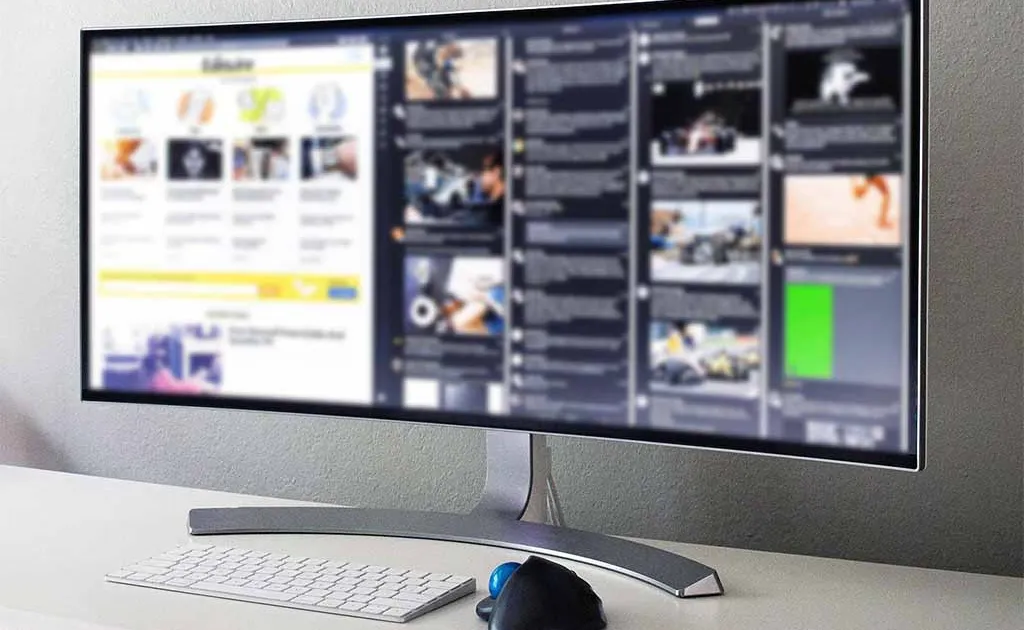
Photo by Lipsbaterando / Wikimedia Commons / CC BY-SA 4.0
Affiliate links.As an Amazon Associate I earn from qualifying purchases. Links below go to Amazon; prices and availability change, so check Amazon for current pricing.Affiliate disclosure
Ultrawide monitors are amazing when a game supports them, and frustrating when it doesn’t. Black bars, stretched cutscenes and HUDs spread to the edges are common issues. This guide explains what to expect and how to fix it, based on general practice rather than lab testing. Links go to Amazon’s current listings.
Quick answer
| Problem | Common fix |
|---|---|
| Black bars on the sides | Check in-game settings; some games are locked to 16:9 |
| Stretched image | Set the GPU to maintain aspect ratio |
| Cutscenes at 16:9 | Normal in many games; some mods remove bars |
| HUD at the far edges | Look for HUD scaling or “safe zone” settings |
| Unsupported game | Community fixes or tools, at your own risk |
Why games don’t support ultrawide
Some games are designed for 16:9 only, for competitive fairness, cutscene framing or engine limits. Console ports are often locked. Competitive games may cap the field of view so ultrawide players don’t see more than others.
How to fix common issues
Black bars
- Set the resolution to your monitor’s native ultrawide resolution in-game.
- Use exclusive fullscreen or borderless, whichever works better.
- Check for a field of view (FOV) slider.
If the game is locked to 16:9, the bars stay unless a community fix exists.
Stretched image
In NVIDIA or AMD control panels, set scaling to “aspect ratio” so 16:9 content isn’t stretched.
HUD placement
Look for HUD scaling, “HUD safe zone” or “HUD aspect ratio” options so the minimap and health bar sit closer to the center.
Community fixes
For unsupported games, community resources and tools like Flawless Widescreen may add ultrawide support. Use them at your own risk, never in online competitive games (they may be treated as cheating), and back up save files.
Which games work best
Racing games, flight sims, strategy games and many single-player games often support ultrawide well. Check community databases or reviews before buying a game if ultrawide matters to you.
Picking an ultrawide
If you’re shopping, compare OLED and VA options:
- MSI MAG 341CQP QD-OLED and Alienware AW3423DWF: 34-inch QD-OLED ultrawides.
- Xiaomi G34WQi: a budget VA ultrawide.
See budget 34-inch ultrawide monitors and ultrawide aspect ratios explained.
Consoles
PS5 and Xbox don’t output ultrawide resolutions; games play at 16:9 with black bars.
FAQ
Do most games support ultrawide? Many modern PC games do, but not all. Check before buying.
Are ultrawide fixes allowed? In single-player games, usually fine. In online competitive games, avoid them.
Bottom line
Most PC games work well on ultrawide, but expect some black bars and HUD quirks. Check support before you buy a game, and use settings or community fixes where safe. More in is an ultrawide monitor right for you?
Our picks: Ultrawide monitors
Shop on Amazon
Affiliate links.As an Amazon Associate I earn from qualifying purchases. Links below go to Amazon; prices and availability change, so check Amazon for current pricing.Affiliate disclosure
Illustrative photos: Photo by Lipsbaterando / Wikimedia Commons / CC BY-SA 4.0