49-Inch Super Ultrawide Monitors: Samsung Odyssey G9 and Odyssey OLED G9
What a 32:9 super ultrawide is like for games, simulators and work, how much desk space and GPU it needs, and what to check before buying.
Main page for monitors: Gaming Monitors →
What a 32:9 super ultrawide is like for games, simulators and work, how much desk space and GPU it needs, and what to check before buying.
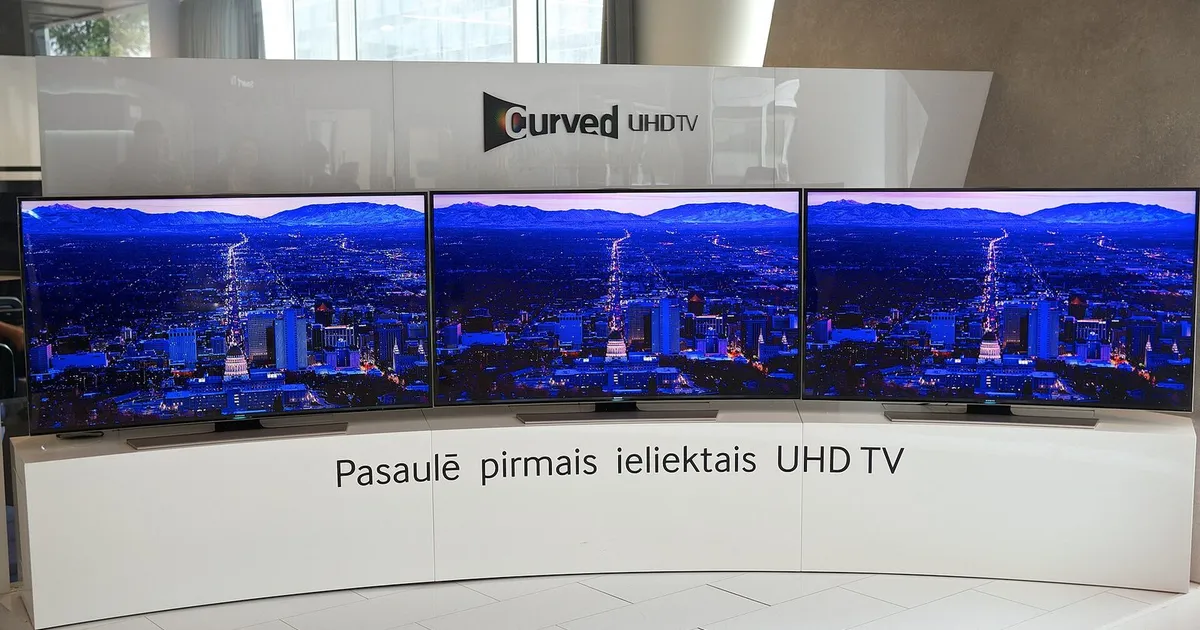
Photo by Kārlis Dambrāns from Latvia / Wikimedia Commons / CC BY 2.0
Affiliate links.As an Amazon Associate I earn from qualifying purchases. Links below go to Amazon; prices and availability change, so check Amazon for current pricing.Affiliate disclosure
A 49-inch super ultrawide is like two 27-inch 1440p monitors side by side, without the bezel in the middle. It’s spectacular for racing and flight sims and great for productivity, but it’s huge and demanding. This guide compares Samsung’s popular Odyssey G9 models by design and listed specs, not lab testing. We don’t list prices; links go to Amazon’s current listings.
Quick answer
| Monitor | Panel | Resolution | Best for |
|---|---|---|---|
| Samsung Odyssey G9 | Curved VA | 5120x1440 (32:9) | Sim racing and productivity at a lower price |
| Samsung Odyssey OLED G9 | Curved QD-OLED | 5120x1440 (32:9) | Best image quality and contrast |
Check the exact model code, as Samsung has released several G9 versions with different refresh rates and features.
What 32:9 is like
- Immersion: in supported racing, flight and space games, the screen fills your peripheral vision.
- Productivity: two full windows side by side, or a long editing timeline.
- Game support: not every game supports 32:9; some show black bars or stretched HUDs. See ultrawide game support.
Odyssey G9 (VA)
A high-refresh curved VA monitor with a strong curve.
- Strengths: high contrast for an LCD, fast refresh, lower price than OLED.
- What to weigh: VA panels can show some dark smearing in fast motion.
Odyssey OLED G9
A QD-OLED version with near-instant response and perfect blacks.
- Strengths: outstanding contrast and motion.
- What to weigh: check the burn-in warranty and use dark themes. See OLED monitor deals: what to check.
Can your PC run it?
5120x1440 has nearly as many pixels as 4K. You’ll want an upper mid-range or high-end GPU, plus DLSS or FSR in demanding games.
Desk and mounting
- Width: a 49-inch monitor is over a meter wide. Measure your desk.
- Depth: sit back enough to see the whole screen.
- Mounting: heavy; use a strong arm rated for its weight and size. See heavy-duty monitor arms for ultrawides.
Alternatives
A 34-inch ultrawide (21:9) has wider game support and is easier to run. See budget 34-inch ultrawide monitors and is an ultrawide right for you?
FAQ
Is a 49-inch monitor good for gaming? For sims and supported games, it’s amazing. For competitive shooters, it’s too wide to take in at once.
Do I need a powerful GPU? Yes, for high settings at high frame rates.
Bottom line
A 49-inch super ultrawide is the ultimate sim and productivity screen, if your desk and GPU can handle it. Choose the OLED for image quality, the VA for value. More in our Black Friday monitor guide.
Our picks: Ultrawide monitors
Shop on Amazon
Affiliate links.As an Amazon Associate I earn from qualifying purchases. Links below go to Amazon; prices and availability change, so check Amazon for current pricing.Affiliate disclosure
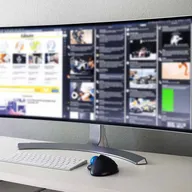
Illustrative photos: Photo by Lipsbaterando / Wikimedia Commons / CC BY-SA 4.0