Budget 34-Inch Ultrawide Monitors: Samsung Odyssey G5, LG 34WP65C, Dell S3422DWG and Gigabyte G34WQC A
What budget ultrawides offer, the trade-offs of VA and IPS panels at this size, and four affordable 34-inch models to compare.
Main page for monitors: Gaming Monitors →
What budget ultrawides offer, the trade-offs of VA and IPS panels at this size, and four affordable 34-inch models to compare.
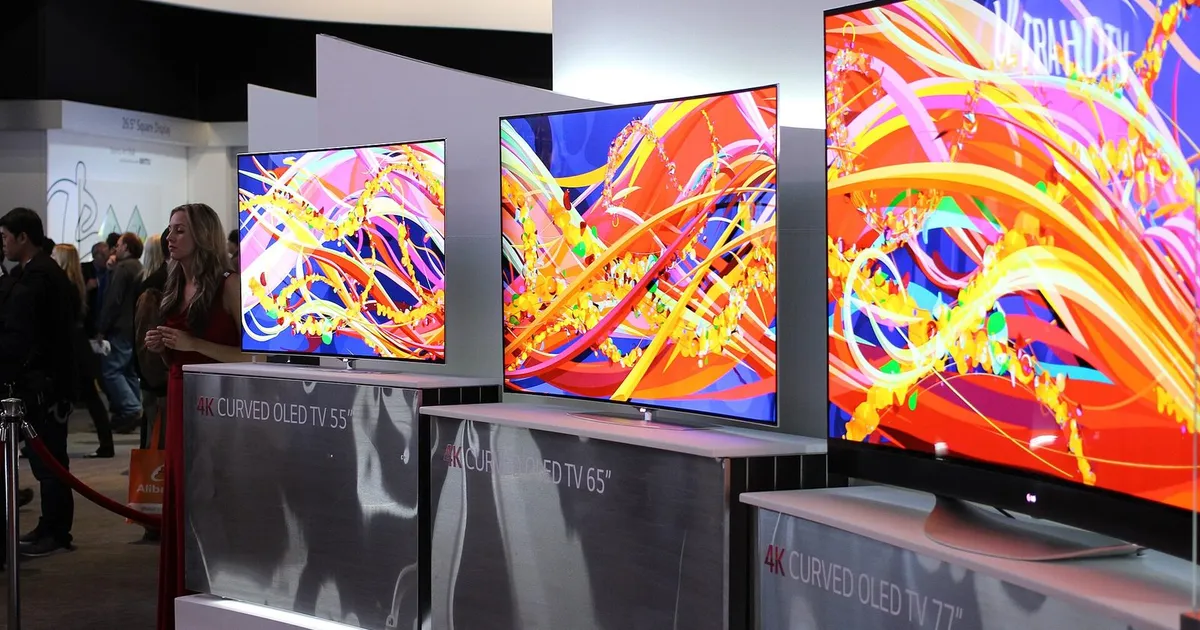
Photo by Maurizio Pesce from Milan, Italia / Wikimedia Commons / CC BY 2.0
Affiliate links.As an Amazon Associate I earn from qualifying purchases. Links below go to Amazon; prices and availability change, so check Amazon for current pricing.Affiliate disclosure
A 34-inch 1440p ultrawide gives you a wider, more immersive view than a standard 27-inch monitor, and budget models have become very affordable. This guide compares four popular budget ultrawides by design and listed specs, not lab testing. We don’t list prices; links go to Amazon’s current listings.
Quick answer
| Monitor | Panel | Best for |
|---|---|---|
| Samsung Odyssey G5 34-inch | Curved VA, high refresh | Gaming-first budget ultrawide |
| LG 34WP65C-B | Curved VA | Mixed work and gaming |
| Dell S3422DWG | Curved VA | Adjustable stand and Dell support |
| Gigabyte G34WQC A | Curved VA | Value gaming ultrawide |
All are 3440x1440 with refresh rates in the roughly 144–165Hz range; check each listing for the exact model’s specs.
Why VA in budget ultrawides
Most budget ultrawides use VA panels, which have high contrast (deep blacks for an LCD) and a natural fit for curved screens. The trade-off is some dark smearing in fast motion, which matters most in competitive shooters.
What to check
- Refresh rate: 144Hz or higher for gaming.
- Curve: 1500R is more curved than 1800R; both suit 34 inches.
- Stand: height adjustment, or VESA for an arm.
- Ports: DisplayPort for full refresh on PC; HDMI for consoles (consoles don’t support 21:9 natively).
- Adaptive sync: FreeSync or G-SYNC Compatible.
Can your PC run 3440x1440?
It’s about a third more pixels than standard 1440p. A mid-range GPU like an RTX 5060 Ti 16GB or RTX 5070 handles it well in most games with upscaling.
Game support
Most modern games support 21:9, but some show black bars, stretched cutscenes or locked HUDs. See ultrawide game support and ultrawide aspect ratios explained.
Upgrading later: OLED ultrawides
34-inch QD-OLED ultrawides offer much better contrast and motion. If your budget stretches, they’re a big step up. See WOLED vs QD-OLED.
Desk setup
A 34-inch ultrawide needs about 80cm of width. A sturdy arm frees space; see heavy-duty monitor arms.
FAQ
Is a budget ultrawide good for gaming? Yes, especially for single-player, racing and strategy games.
Do consoles support ultrawide? Not natively; console games display at 16:9 with black bars.
Bottom line
A budget 34-inch VA ultrawide is an affordable route to immersive gaming. Check refresh rate, stand and ports, and make sure your GPU can drive 3440x1440. More picks in is an ultrawide right for you?
Our picks: Ultrawide monitors
Shop on Amazon
Affiliate links.As an Amazon Associate I earn from qualifying purchases. Links below go to Amazon; prices and availability change, so check Amazon for current pricing.Affiliate disclosure
Illustrative photos: Photo by Lipsbaterando / Wikimedia Commons / CC BY-SA 4.0