How to Read Monitor Motion Tests: Pursuit Camera Photos and Response Times
How reviewers measure monitor motion clarity, what pursuit camera photos show, and how to compare response times fairly.
Main page for monitors: Gaming Monitors →
How reviewers measure monitor motion clarity, what pursuit camera photos show, and how to compare response times fairly.
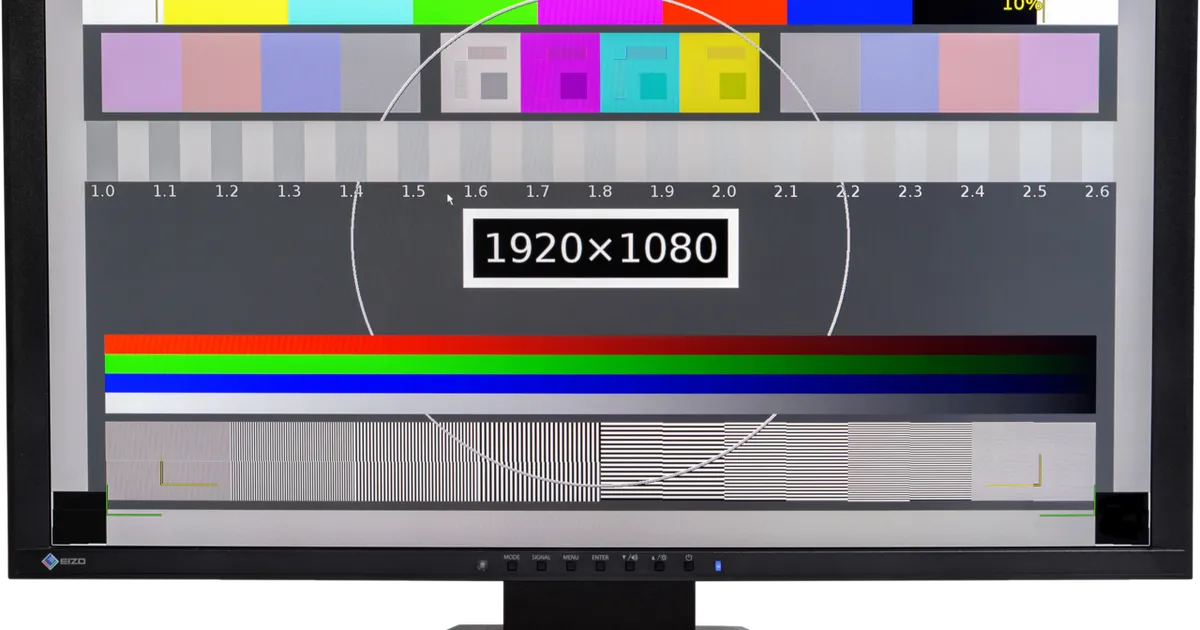
Photo by Lucasbosch / Wikimedia Commons / CC BY-SA 4.0
Affiliate links.As an Amazon Associate I earn from qualifying purchases. Links below go to Amazon; prices and availability change, so check Amazon for current pricing.Affiliate disclosure
Monitor reviews often include pursuit camera photos (a moving camera following a test pattern) and response time measurements. They show how clear motion looks, which matters a lot for gaming. This guide explains how to read them, based on general reviewing practice. We don’t list prices; links go to Amazon’s current listings.
Quick answer
| Test | What it shows |
|---|---|
| Pursuit camera photos | How blurry moving objects look |
| Response times | How quickly pixels change color |
| Overshoot | Bright or dark halos from aggressive overdrive |
| Overdrive modes | Which setting gives the best balance |
| Refresh rate | Compare results at different refresh rates |
Examples often tested: LG UltraGear 27GS95QE (OLED) and ASUS TUF Gaming VG27AQ (IPS).
Pursuit camera photos
A camera moves with a test pattern (often a moving UFO image), capturing how the eye sees motion. Sharper images mean clearer motion. Compare photos at the same refresh rate across monitors.
Response times
Measured as the time pixels take to change between shades. Lower is better. Look at averages across many transitions, not the “1ms” marketing figure.
Overshoot
Aggressive overdrive can make pixels overshoot, causing inverse ghosting (bright or dark trails). Reviews often recommend the overdrive setting with the best balance.
Refresh rate matters
Higher refresh rates reduce blur. Reviews may test at several refresh rates; check the one you’ll use, especially with VRR, where overdrive may behave differently at lower frame rates.
OLED vs LCD
OLED pixels switch almost instantly, so OLED pursuit photos look much clearer at the same refresh rate. See OLED gaming monitors explained.
Backlight strobing
Some monitors offer strobing modes (like DyAc or ELMB) that sharpen motion at the cost of brightness. Reviews show the effect.
Other review sections
See how to evaluate a gaming monitor review and reading OLED monitor reviews.
FAQ
Is “1ms response time” accurate? It’s often a best-case figure. Reviews’ averages are more realistic.
Which overdrive setting should I use? The one reviews recommend for your monitor, usually a middle setting.
Bottom line
Use pursuit photos and measured response times, not marketing figures, and pick the recommended overdrive mode. More in our Black Friday monitor guide.
Our picks: Gaming monitors & OLED monitors
Shop on Amazon
Affiliate links.As an Amazon Associate I earn from qualifying purchases. Links below go to Amazon; prices and availability change, so check Amazon for current pricing.Affiliate disclosure
ASUS TUF Gaming VG27AQ
Popular 1440p high-refresh monitor that rarely disappoints.
Check price on Amazon

Illustrative photos: Photo by Lennybird / Wikimedia Commons / CC BY-SA 3.0; Photo by Badpeon / Wikimedia Commons / Public domain; Photo by PantheraLeo1359531 / Wikimedia Commons / CC BY 4.0; Photo by Terabass / Wikimedia Commons / CC BY-SA 3.0