Example Gaming PC Parts Lists for 1080p, 1440p and 4K
Balanced example parts lists for three resolution targets, with the reasoning behind each part, to use as a starting point for your own build.
Main page for gaming pcs: Gaming PCs →
Balanced example parts lists for three resolution targets, with the reasoning behind each part, to use as a starting point for your own build.
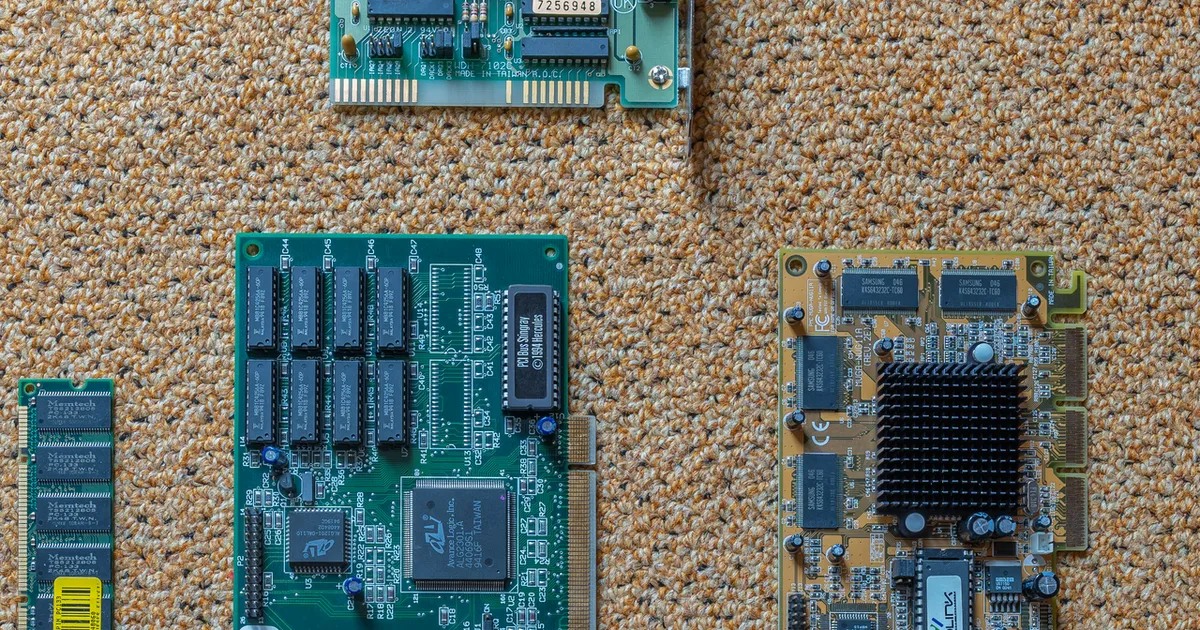
Photo by PantheraLeo1359531 / Wikimedia Commons / CC BY 4.0
Affiliate links.As an Amazon Associate I earn from qualifying purchases. Links below go to Amazon; prices and availability change, so check Amazon for current pricing.Affiliate disclosure
These example parts lists show balanced gaming PCs for 1080p, 1440p and 4K. They’re starting points to adapt, not fixed recommendations, based on listed specs rather than lab testing. We don’t list prices, which change constantly; links go to Amazon’s current listings.
Quick answer
| Target | CPU | GPU | RAM | Storage | PSU |
|---|---|---|---|---|---|
| 1080p high refresh | Ryzen 5 7600 | RX 9060 XT 16GB | 32GB DDR5-6000 | 1TB NVMe | 650W Gold |
| 1440p high refresh | Ryzen 7 9700X | RTX 5070 | 32GB DDR5-6000 | 2TB NVMe | 750W Gold |
| 4K | Ryzen 7 9800X3D | RTX 5080 | 32GB DDR5-6000 | 2TB NVMe | 850W Gold, ATX 3.x |
All three use AM5 with a B650 or B850 motherboard.
1080p build
A six-core CPU and a 16GB mid-range GPU handle 1080p at high refresh rates in most games, with VRAM headroom for new titles.
- Motherboard: B650 or B850.
- Cooler: the Ryzen 5 7600’s included cooler, or a budget air cooler.
- Monitor: 24–27” 1080p 144–240Hz. See 24-inch esports monitors.
1440p build
An eight-core CPU and an RTX 5070 class GPU suit 1440p at 144–165Hz in most games, with DLSS for demanding titles.
- Cooler: a dual-tower air cooler.
- Alternatives: RX 9070 or RX 9070 XT. See RX 9070 vs RX 9070 XT.
4K build
4K needs a powerful GPU; an X3D CPU keeps frame rates high in CPU-heavy games.
- Cooler: high-end air or a 280mm+ AIO.
- PSU: check the GPU’s recommendation and connector.
Adapting the lists
- Streaming or editing: consider more cores or 64GB RAM. See 64GB DDR5 kits.
- Small builds: see small form factor cases.
- Intel: compare with Intel options.
Before you buy
- Check compatibility: socket, RAM type, case clearance. See PC part compatibility basics.
- Budget for Windows, peripherals and a monitor.
- Compare with prebuilts on Black Friday. See prebuilt deal spec check.
FAQ
Can I use these lists with Intel CPUs? Yes, swap the CPU and motherboard for an Intel equivalent.
Is 32GB of RAM necessary? It’s the comfortable amount for gaming in 2026.
Bottom line
Match the GPU to your resolution, pair it with a balanced CPU, and use 32GB of RAM and a quality PSU. More in common first PC build mistakes.
Our picks: Processors & Motherboards
Shop on Amazon
Affiliate links.As an Amazon Associate I earn from qualifying purchases. Links below go to Amazon; prices and availability change, so check Amazon for current pricing.Affiliate disclosure
Illustrative photos: Photo by Myself User:ZyMOS / Wikimedia Commons / CC BY-SA 4.0; Photo by Marcin Wieclaw (pcsite.co.uk) / Wikimedia Commons / CC BY-SA 4.0; Photo by Jacek Halicki / Wikimedia Commons / CC BY-SA 4.0; Photo by PantheraLeo1359531 / Wikimedia Commons / CC BY 4.0; Photo by Ondřej Martin Mach / Wikimedia Commons / CC BY-SA 3.0