Sharing a Desk Between a PC and a Console
How to set up one monitor, one headset and one set of speakers for both a gaming PC and a console, without constant cable swapping.
Main page for gaming setups: Setup Inspiration →
How to set up one monitor, one headset and one set of speakers for both a gaming PC and a console, without constant cable swapping.
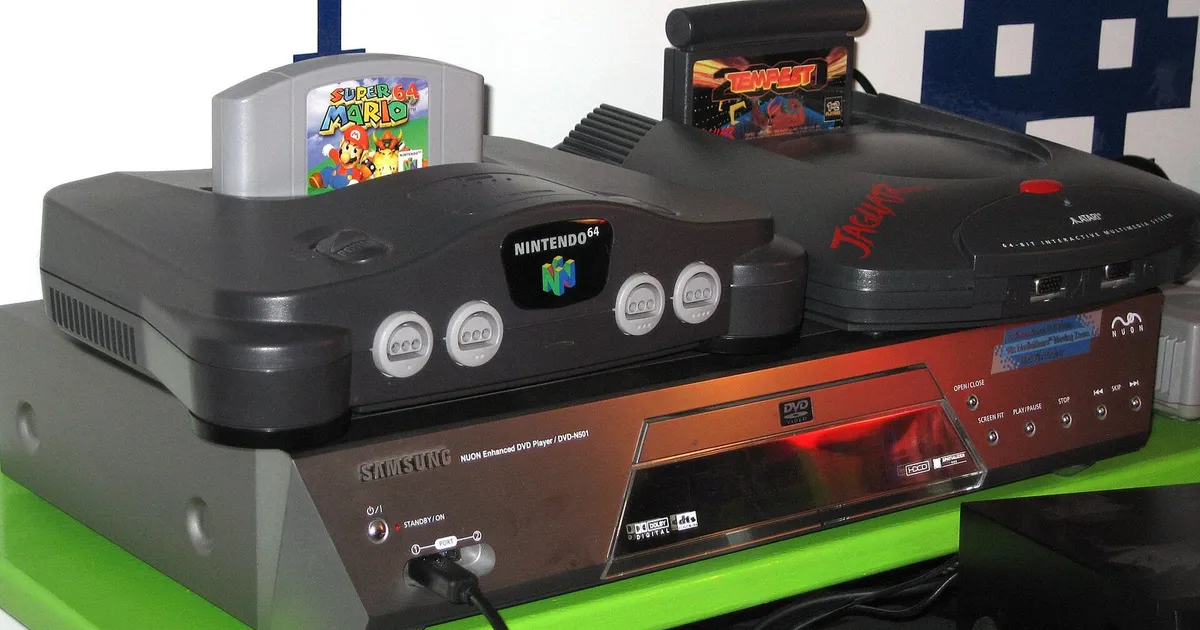
Photo by Blake Patterson from Alexandria, VA, USA / Wikimedia Commons / CC BY 2.0
Affiliate links.As an Amazon Associate I earn from qualifying purchases. Links below go to Amazon; prices and availability change, so check Amazon for current pricing.Affiliate disclosure
Many players have both a gaming PC and a console, but only one desk and monitor. With the right monitor and a few accessories, both can share the space cleanly. This guide explains the setup, based on general practice rather than lab testing. Links go to Amazon’s current listings.
Quick answer
| Need | Solution |
|---|---|
| One monitor for both | A monitor with DisplayPort for PC and HDMI 2.1 for console, e.g. Gigabyte M28U |
| One headset for both | A headset with a multi-platform dongle, e.g. SteelSeries Arctis Nova 7 Wireless |
| Record or stream console gameplay | A capture card, e.g. Elgato HD60 X |
The monitor
- PC on DisplayPort, console on HDMI. Switch inputs from the monitor menu.
- HDMI 2.1 for 4K at 120Hz on PS5 and Xbox Series X.
- 4K monitors suit consoles; 1440p also works on both consoles.
See monitors for PS5 and Xbox.
Audio
- Monitor audio output: connect speakers or a headset to the monitor’s 3.5mm jack to hear whichever source is active.
- Multi-platform wireless headset: some dongles work on PC, PlayStation and Switch; Xbox needs an Xbox version. See headset platform versions.
Capture card
Run the console through a capture card with passthrough to the monitor, so you can record or stream console games from the PC.
Controllers
- Charging station for console controllers. See charging stations.
- One controller for both: PlayStation and Xbox controllers also work on PC.
Where to put the console
- On a desk shelf or under-desk shelf, with ventilation.
- Vertical stand to save space.
- Cable management: see cable management planning.
Seating
Console games are often played leaning back. A monitor arm lets you pull the screen closer, or push it back for controller play. See do you need a monitor arm?
FAQ
Can I use one monitor for PC and PS5? Yes, with separate inputs. HDMI 2.1 is needed for 4K 120Hz.
Can I play console games through a capture card without lag? Use the card’s passthrough output to the monitor for no added lag.
Bottom line
Pick a monitor with DisplayPort and HDMI 2.1, route audio through the monitor or a multi-platform headset, and add a capture card if you stream. More in planning a dual-PC desk.
Our picks: Gaming desks & Gaming chairs
Shop on Amazon
Affiliate links.As an Amazon Associate I earn from qualifying purchases. Links below go to Amazon; prices and availability change, so check Amazon for current pricing.Affiliate disclosure
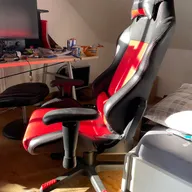
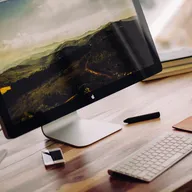
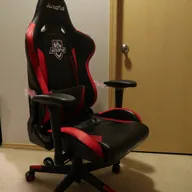
Illustrative photos: Photo by Ssamm T / Wikimedia Commons / CC BY-SA 4.0; Photo by Marchuk17 / Wikimedia Commons / CC BY-SA 4.0; Photo by Luke Chesser / Wikimedia Commons / CC0; Photo by Ndurliat / Wikimedia Commons / CC BY-SA 4.0