Planning a Desk for Two PCs: KVM Switches, Capture Cards and Streaming PCs
How to share a monitor, keyboard and mouse between two PCs, set up a dual-PC streaming desk, and plan cables and power.
Main page for gaming desks: Gaming Desks →
How to share a monitor, keyboard and mouse between two PCs, set up a dual-PC streaming desk, and plan cables and power.
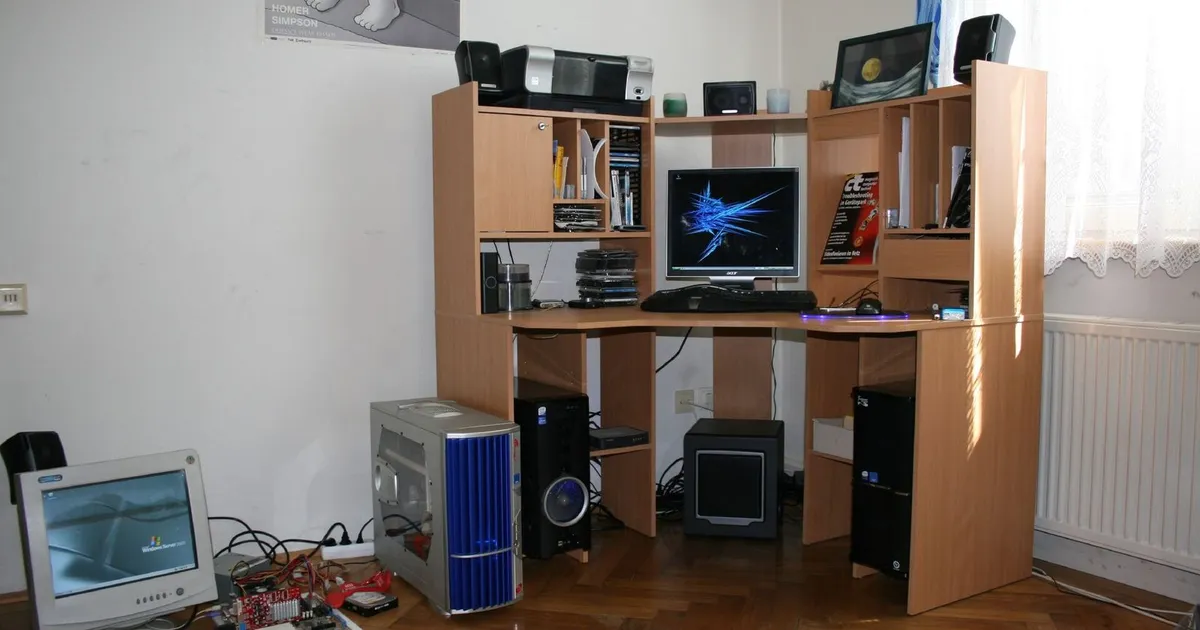
Photo by Stefan Ledwina / Wikimedia Commons / CC BY-SA 2.0
Affiliate links.As an Amazon Associate I earn from qualifying purchases. Links below go to Amazon; prices and availability change, so check Amazon for current pricing.Affiliate disclosure
Some setups use two computers: a gaming PC and a work laptop, or a gaming PC and a dedicated streaming PC. Sharing one desk, monitor, keyboard and mouse between them takes some planning. This guide explains the options, based on general practice rather than lab testing. Links go to Amazon’s current listings.
Quick answer
| Need | Solution |
|---|---|
| Share a monitor | Use two inputs and switch, e.g. on a Gigabyte M27Q |
| Share keyboard, mouse and monitor | A KVM switch |
| Stream from a second PC | A capture card like the Elgato 4K X |
| Built-in KVM | Some monitors include a KVM with USB-C |
Monitor inputs
Most monitors have several inputs (DisplayPort, HDMI, USB-C). Connect each PC to a different input and switch with the monitor’s menu. Simple and free.
KVM switches
A KVM (keyboard, video, mouse) switch shares one set of peripherals between two PCs with a button press.
- Check video support: resolution and refresh rate. Many cheap KVMs limit refresh rates.
- USB ports: for keyboard, mouse and webcam.
- High-refresh gaming: some players connect the monitor directly to each PC and use the KVM only for USB devices.
Built-in monitor KVM
Some monitors have a KVM feature: peripherals plug into the monitor’s USB hub, and they switch with the input. Great for a laptop over USB-C plus a gaming PC.
Dual-PC streaming
A dedicated streaming PC handles encoding, so the gaming PC focuses on the game.
- Gaming PC outputs to the monitor and a capture card (passthrough).
- Capture card in the streaming PC records the feed. The Elgato 4K X supports high-refresh passthrough.
- Audio routed to the streaming PC with an audio interface or mixer. See streaming audio mixers.
Modern GPU encoders make single-PC streaming practical, so a second PC isn’t always necessary. See capture cards and audio interfaces.
Desk layout
- Width: room for a second monitor or laptop. See planning a multi-monitor setup.
- Cable management: two PCs mean many cables. See cable management planning.
- Power: a good surge protector. See surge protectors.
FAQ
Will a KVM switch add input lag? Usually negligible for USB devices. Video quality depends on the KVM’s specs.
Do I need two PCs to stream? No. One modern PC can game and stream.
Bottom line
Use monitor inputs for simple sharing, a KVM for peripherals, and a capture card for dual-PC streaming. More in sharing a desk between a PC and console.
Our picks: Gaming desks & Monitor arms
Shop on Amazon
Affiliate links.As an Amazon Associate I earn from qualifying purchases. Links below go to Amazon; prices and availability change, so check Amazon for current pricing.Affiliate disclosure
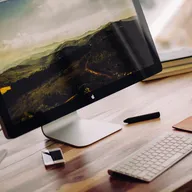
Illustrative photos: Photo by Ssamm T / Wikimedia Commons / CC BY-SA 4.0; Photo by tony_duell / Wikimedia Commons / CC BY 2.0; Photo by Luke Chesser / Wikimedia Commons / CC0