New Gaming PC First-Boot Checklist
Everything to check and set up the first time you turn on a new gaming PC, from BIOS settings to drivers and temperatures.
Everything to check and set up the first time you turn on a new gaming PC, from BIOS settings to drivers and temperatures.
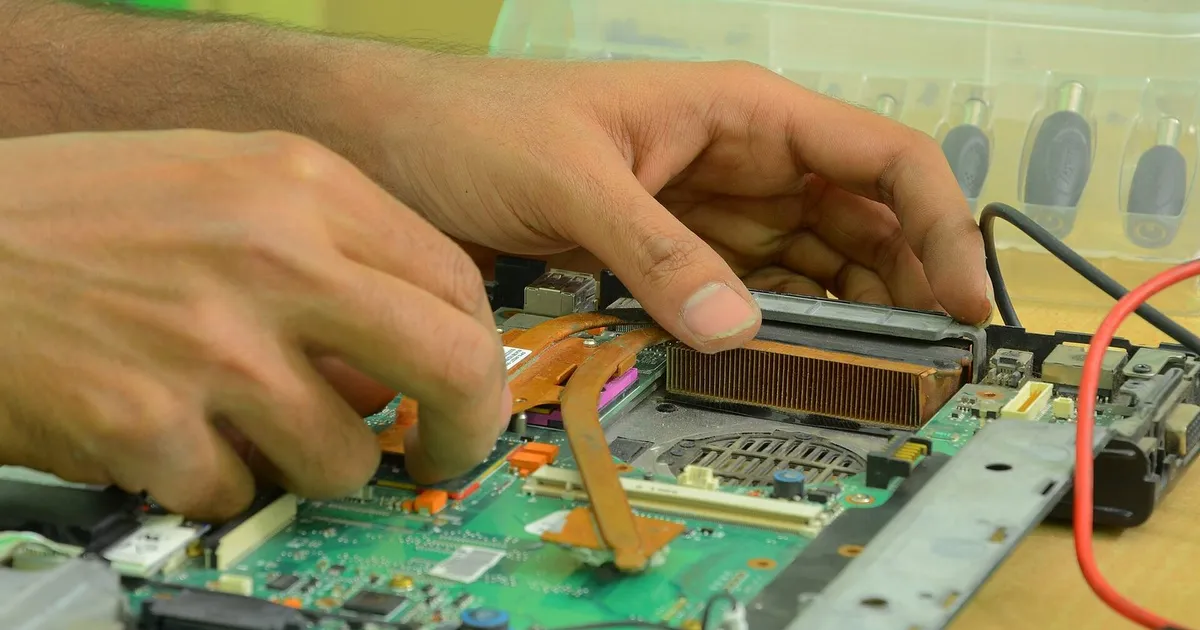
Photo by Vintechcomputerservices / Wikimedia Commons / CC BY-SA 4.0
Affiliate links.As an Amazon Associate I earn from qualifying purchases. Links below go to Amazon; prices and availability change, so check Amazon for current pricing.Affiliate disclosure
The first boot of a new gaming PC, whether you built it or bought it, is the time to check everything works and set it up properly. This checklist covers the essentials, based on general practice rather than lab testing. Links go to Amazon’s current listings.
Quick checklist
- Monitor plugged into the graphics card.
- BIOS: XMP/EXPO enabled, BIOS updated if needed.
- Windows installed, activated and updated.
- Chipset and GPU drivers installed.
- Monitor refresh rate set.
- Temperatures checked under load.
- Bloatware removed (prebuilts).
- Backups and recovery drive set up.
1. Display
Plug the monitor into the GPU, not the motherboard.
2. BIOS
- Enable XMP (Intel) or EXPO (AMD) for RAM’s rated speed.
- Check boot drive order.
- Update the BIOS if your CPU or stability needs it. See how to update BIOS safely.
3. Windows
- Install Windows from a USB drive like a SanDisk Ultra Flair 64GB if building.
- Activate Windows.
- Run Windows Update fully.
4. Drivers
- Chipset drivers from AMD or Intel.
- GPU drivers from NVIDIA, AMD or Intel.
- Motherboard drivers: network, audio.
5. Display settings
- Set refresh rate in Windows display settings.
- Enable VRR in the GPU control panel. See G-SYNC and FreeSync explained.
6. Test
- Run a demanding game or benchmark for 20–30 minutes.
- Check CPU and GPU temperatures with monitoring software.
- Check fans spin and nothing rattles.
7. Prebuilts: clean up
Uninstall trial software you don’t need, and check all advertised parts are installed (CPU, GPU, RAM amount, storage). See what to check in a prebuilt spec sheet.
8. Protect it
- Create a recovery drive.
- Set up backups.
- Register warranties.
Gaming setup
- Install launchers and set library folders. See Steam settings worth changing.
- Trim startup apps. See reducing background apps.
FAQ
Why is my RAM speed low? Enable XMP or EXPO in the BIOS.
Do I need to install drivers on a prebuilt? Update them; prebuilts often ship with older versions.
Bottom line
Plug into the GPU, enable XMP/EXPO, update Windows and drivers, set the refresh rate and stress test. More in common first PC build mistakes.
Our picks: PC building essentials & Graphics cards
Shop on Amazon
Affiliate links.As an Amazon Associate I earn from qualifying purchases. Links below go to Amazon; prices and availability change, so check Amazon for current pricing.Affiliate disclosure
NVIDIA GeForce RTX 5070 Ti
16GB card that handles high-refresh 1440p and entry 4K.
Check price on Amazon



Illustrative photos: Photo by Bill Abbott / Wikimedia Commons / CC BY-SA 2.0; Photo by Timothy Borkowski / Wikimedia Commons / CC BY-SA 3.0; Photo by 18bit / Wikimedia Commons / CC BY-SA 4.0; Photo by Advanced Micro Devices, Inc. (AMD) / Wikimedia Commons / Attribution