Buying a Gaming Monitor: The Order to Make Decisions In
A step-by-step way to choose a gaming monitor, deciding resolution, size, refresh rate and panel type in the order that narrows the options fastest.
A step-by-step way to choose a gaming monitor, deciding resolution, size, refresh rate and panel type in the order that narrows the options fastest.
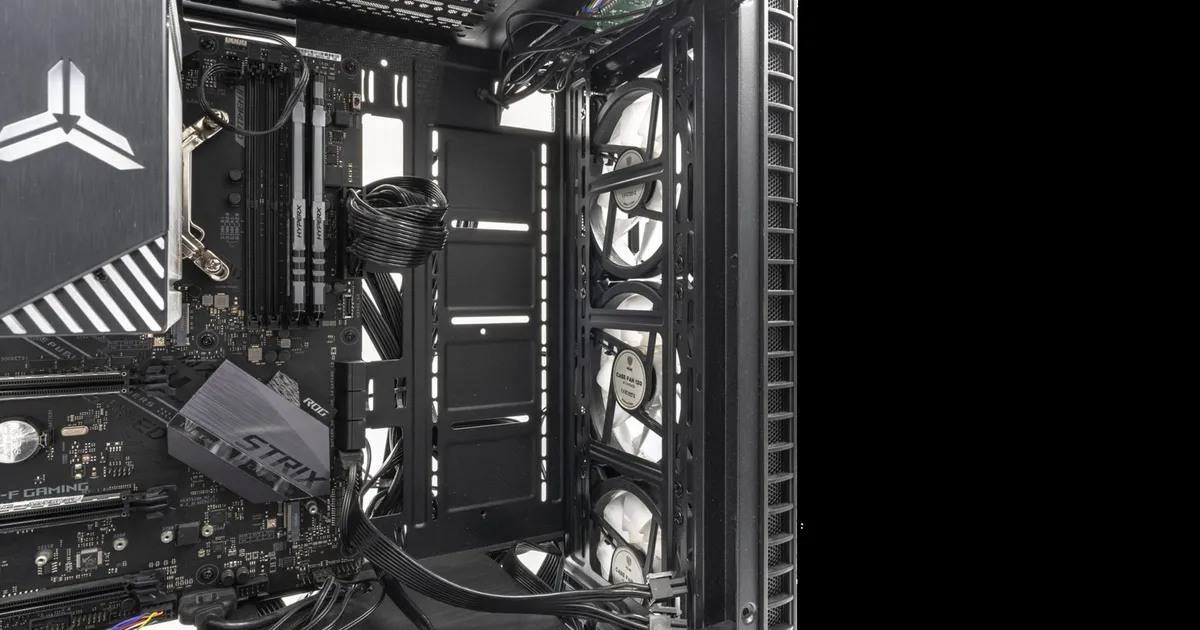
Photo by PantheraLeo1359531 / Wikimedia Commons / CC BY 4.0
Affiliate links.As an Amazon Associate I earn from qualifying purchases. Links below go to Amazon; prices and availability change, so check Amazon for current pricing.Affiliate disclosure
Gaming monitor listings throw dozens of specs at you. The trick is to decide in the right order: each choice narrows the next. This guide gives you that order, based on listed specs and general practice rather than lab testing. We don’t list prices; links go to Amazon’s current listings.
Quick answer: the decision order
- Your GPU and games decide resolution and refresh rate.
- Resolution decides the best size.
- Panel type (IPS, VA, OLED) decides contrast and motion.
- Features (HDR, ports, stand) come last.
1. Start with your graphics card and games
- Esports, high frame rates: 1080p or 1440p at 165–240Hz+.
- Single-player, visuals: 1440p or 4K at 120–165Hz.
- Entry-level GPU: 1080p. Mid-range: 1440p. High-end: 1440p high refresh or 4K.
2. Resolution and size
| Resolution | Best size |
|---|---|
| 1080p | 24” |
| 1440p | 27” |
| 4K | 27–32” |
Example: the ASUS TUF Gaming VG27AQ is a classic 27-inch 1440p option; the LG UltraGear 27GR93U is a 27-inch 4K choice. See 27 vs 32 inch gaming monitors.
3. Panel type
- IPS: good color and response; the safe all-rounder.
- VA: high contrast; some dark smearing.
- OLED: best contrast and motion; check burn-in warranty. Example: MSI MPG 271QRX. See WOLED vs QD-OLED.
4. Refresh rate
Match it to the frame rates your PC actually reaches. See 1440p 180Hz vs 240Hz.
5. Features
- Adaptive sync: G-SYNC Compatible or FreeSync. See G-SYNC and FreeSync explained.
- HDR: only meaningful at HDR1000 or OLED True Black. See DisplayHDR tiers.
- Ports: DisplayPort for PC, HDMI 2.1 for consoles.
- Stand: height adjustment, or VESA for an arm.
6. Price and timing
Compare price history. See how to know a monitor sale is worth it.
FAQ
What matters most in a gaming monitor? Resolution and refresh rate matched to your GPU, then panel type.
Is OLED worth it? For picture quality and motion, yes, if the burn-in warranty is clear.
Bottom line
Decide in order: GPU and games, resolution and size, panel, refresh rate, then features. More picks in our Black Friday monitor guide.
Our picks: Graphics cards & Gaming monitors
Shop on Amazon
Affiliate links.As an Amazon Associate I earn from qualifying purchases. Links below go to Amazon; prices and availability change, so check Amazon for current pricing.Affiliate disclosure
ASUS TUF Gaming VG27AQ
Popular 1440p high-refresh monitor that rarely disappoints.
Check price on AmazonNVIDIA GeForce RTX 5070 Ti
16GB card that handles high-refresh 1440p and entry 4K.
Check price on Amazon



Illustrative photos: Photo by Timothy Borkowski / Wikimedia Commons / CC BY-SA 3.0; Photo by Lennybird / Wikimedia Commons / CC BY-SA 3.0; Photo by Advanced Micro Devices, Inc. (AMD) / Wikimedia Commons / Attribution; Photo by PantheraLeo1359531 / Wikimedia Commons / CC BY 4.0; Photo by Terabass / Wikimedia Commons / CC BY-SA 3.0